
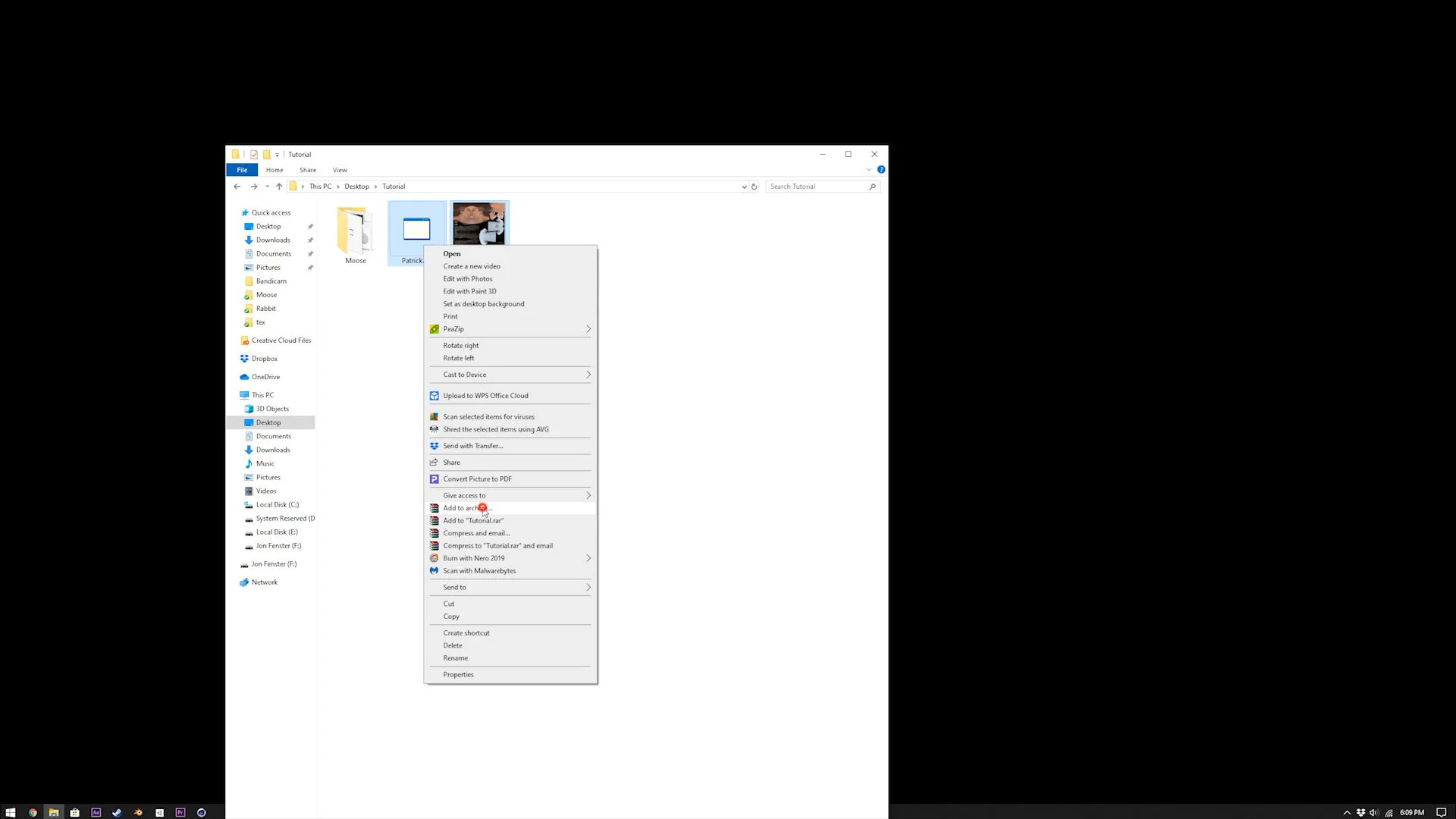
Mixamo has a few characters to chose from on their site, but if you needed something more specific, create / download it, save it as .FBX or .OBJ, and place it in a folder beside the texture files. Zip the character model and the textures together.
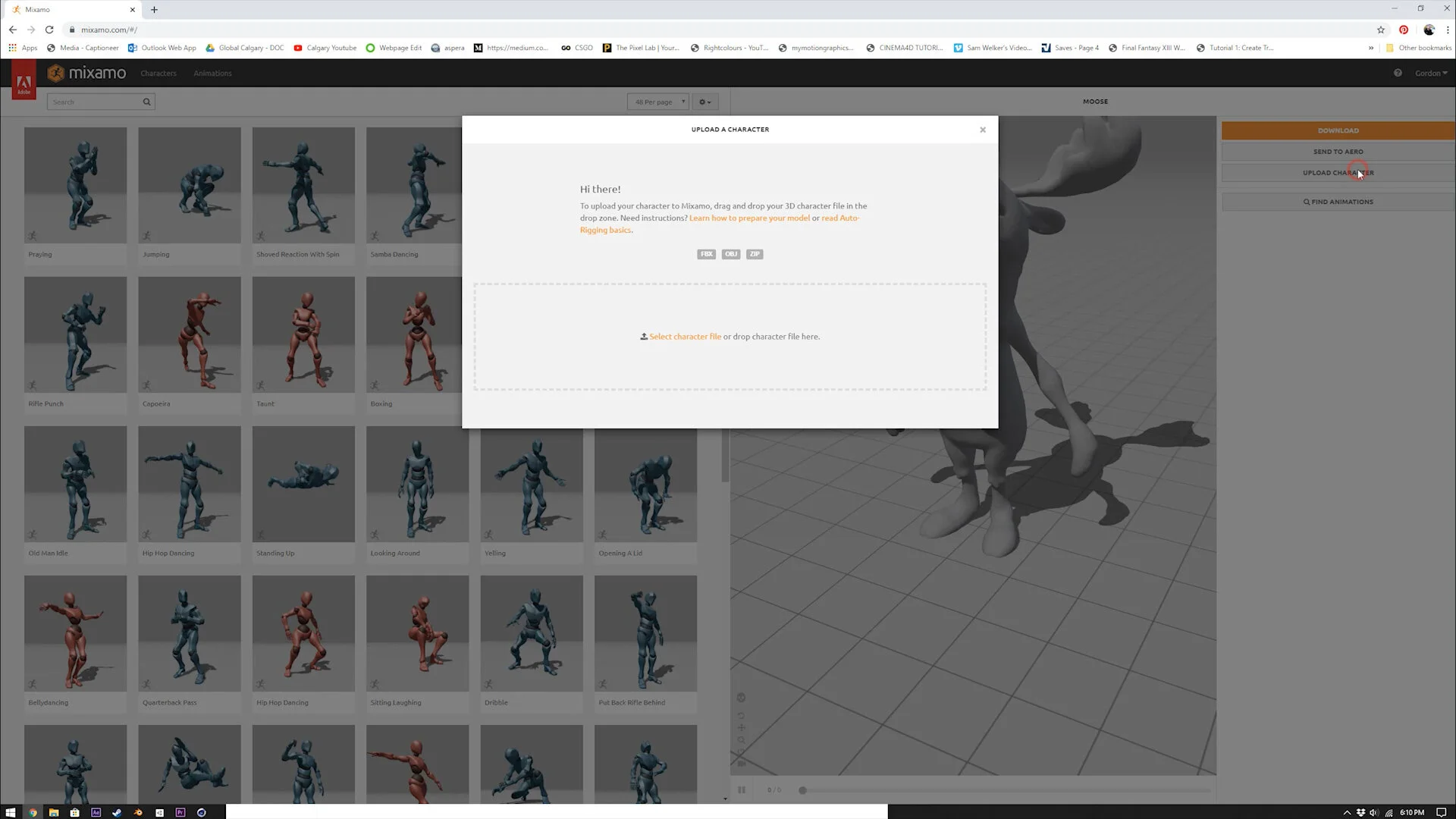
Go to Mixamo.com, log in using your Adobe CC credentials, and click upload character. Then select “Select character file”, and pick the .zip file that you just created.
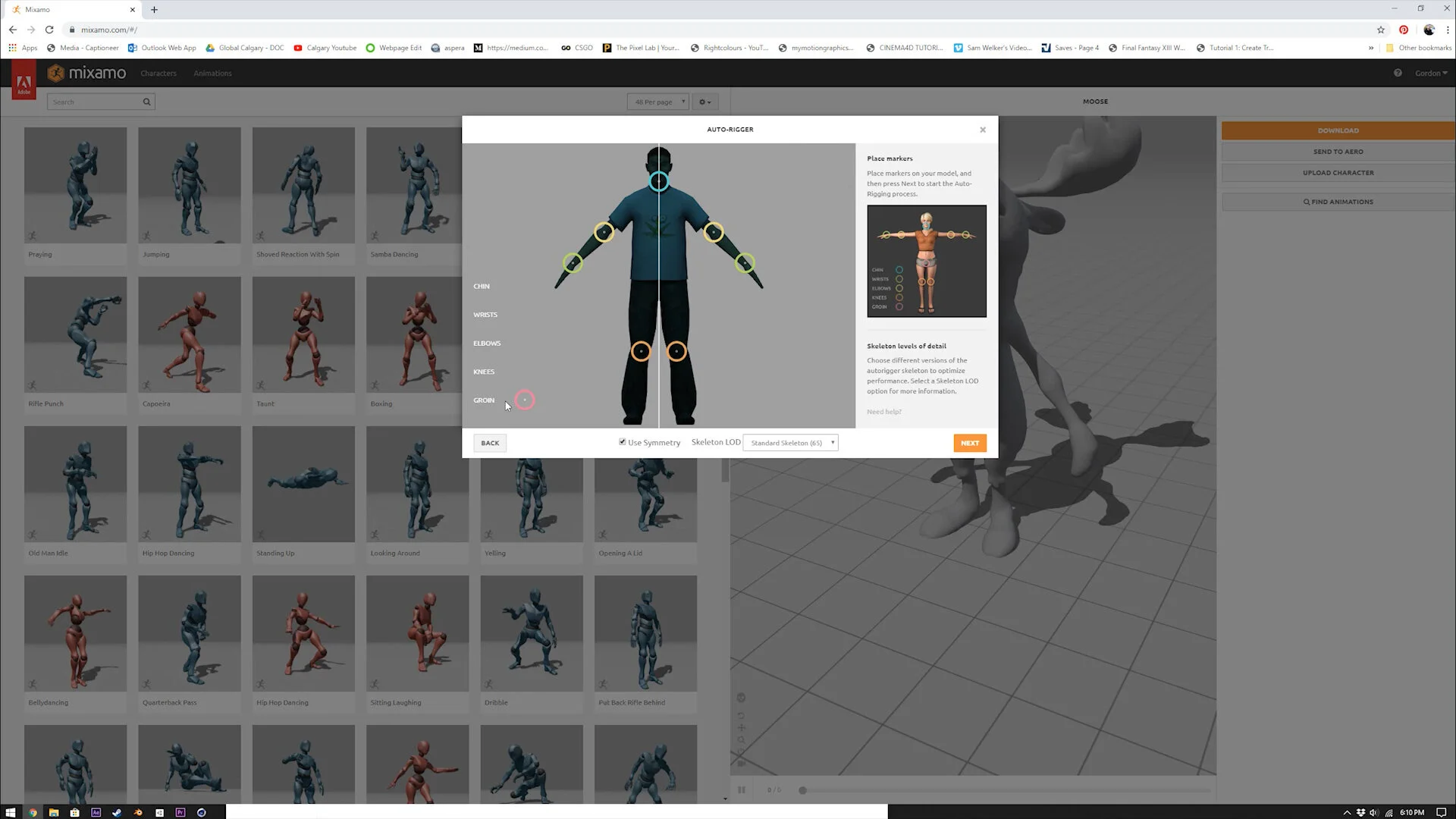
If your character is already rigged, this part won’t happen. If it’s in a T-pose, you will have to use the auto rigger. Select where the chin is, the wrists, the elbows, the knees, and the groin, and then click next. This works great for bipedal characters, but four legged animals, or things with giant heads are much more of a problem with this.
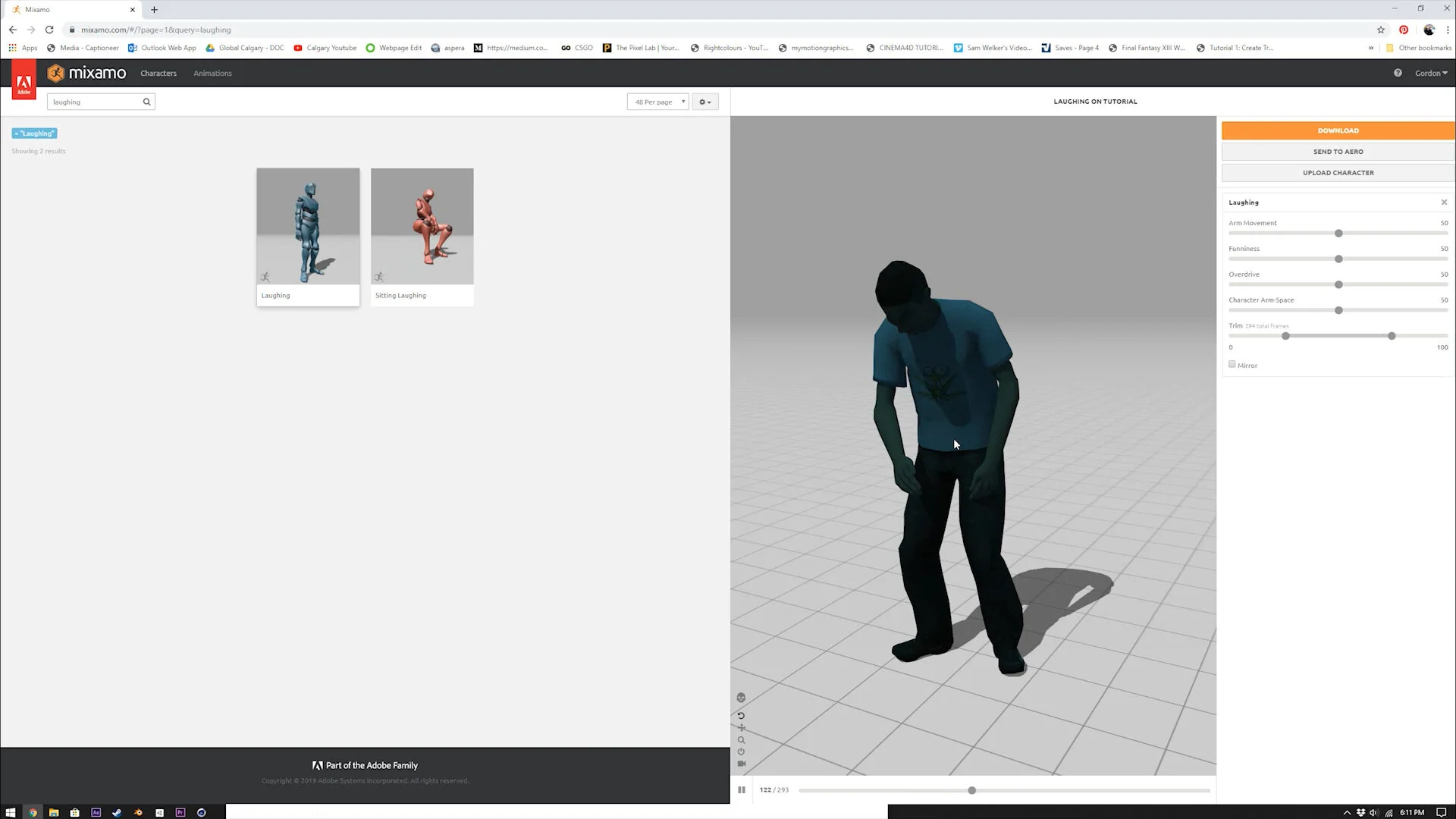
From there, just type in animations you might want. It’s fairly limited, and none of the animations are mind blowing - but for simple gestures, this is amazing.
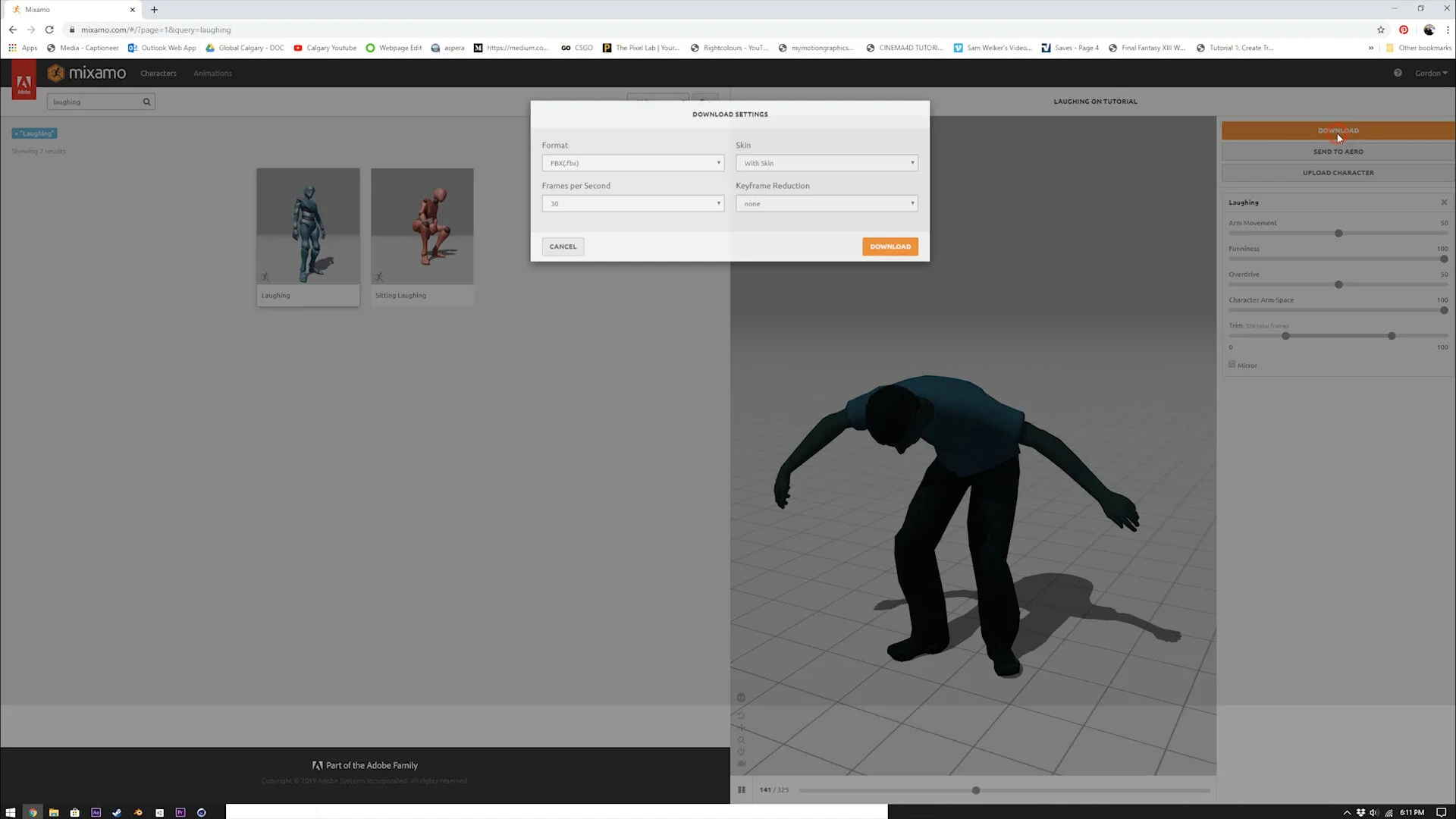
Click “Download”, and select “FBX” for format, “30” for FPS (or whatever your project is set to), and “with skin”. It will texture the FBX with the textures located within your zip file, so make sure those textures are in the same folder as this downloaded FBX.
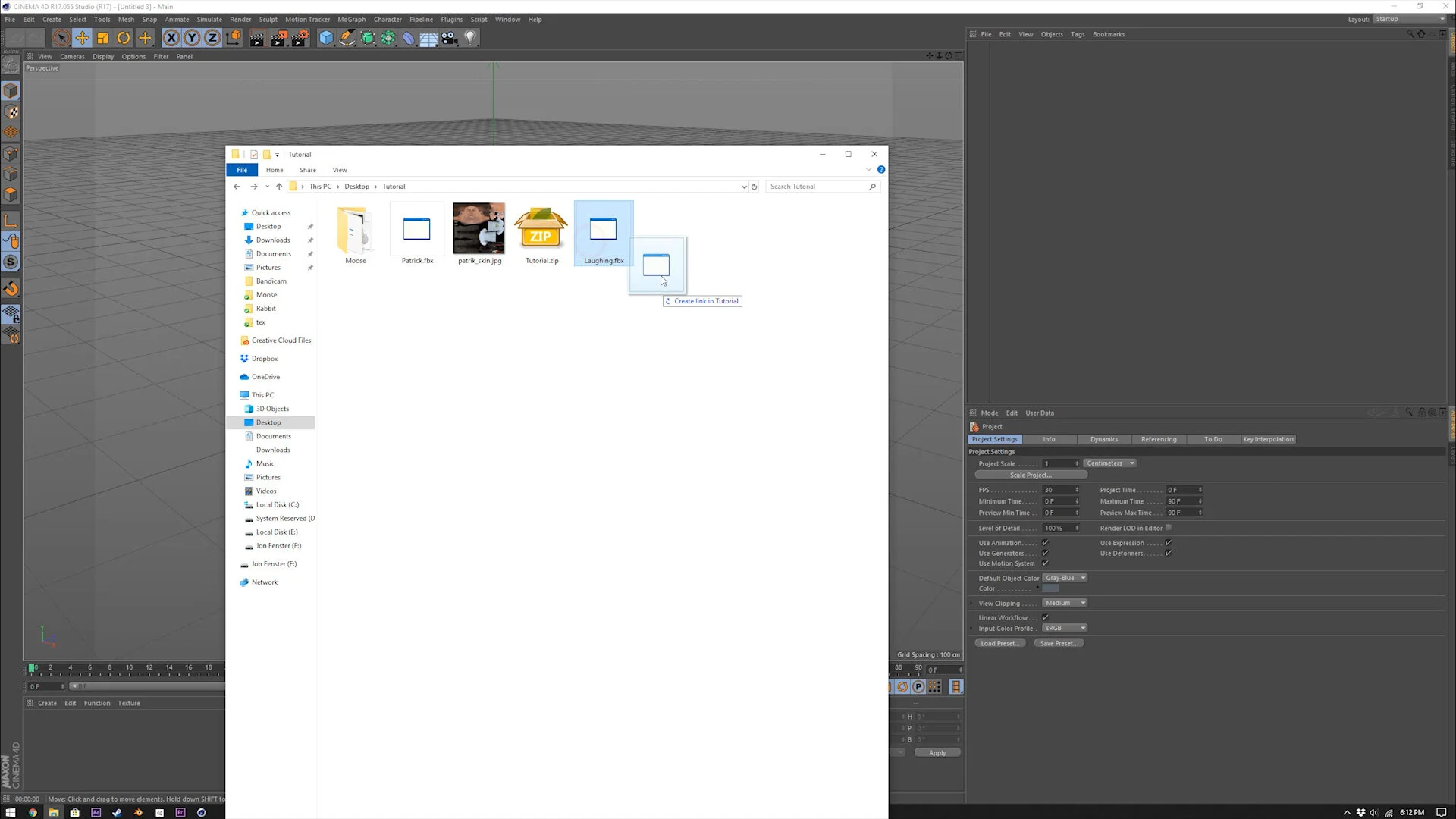
Drag the FBX file into your 3D program.
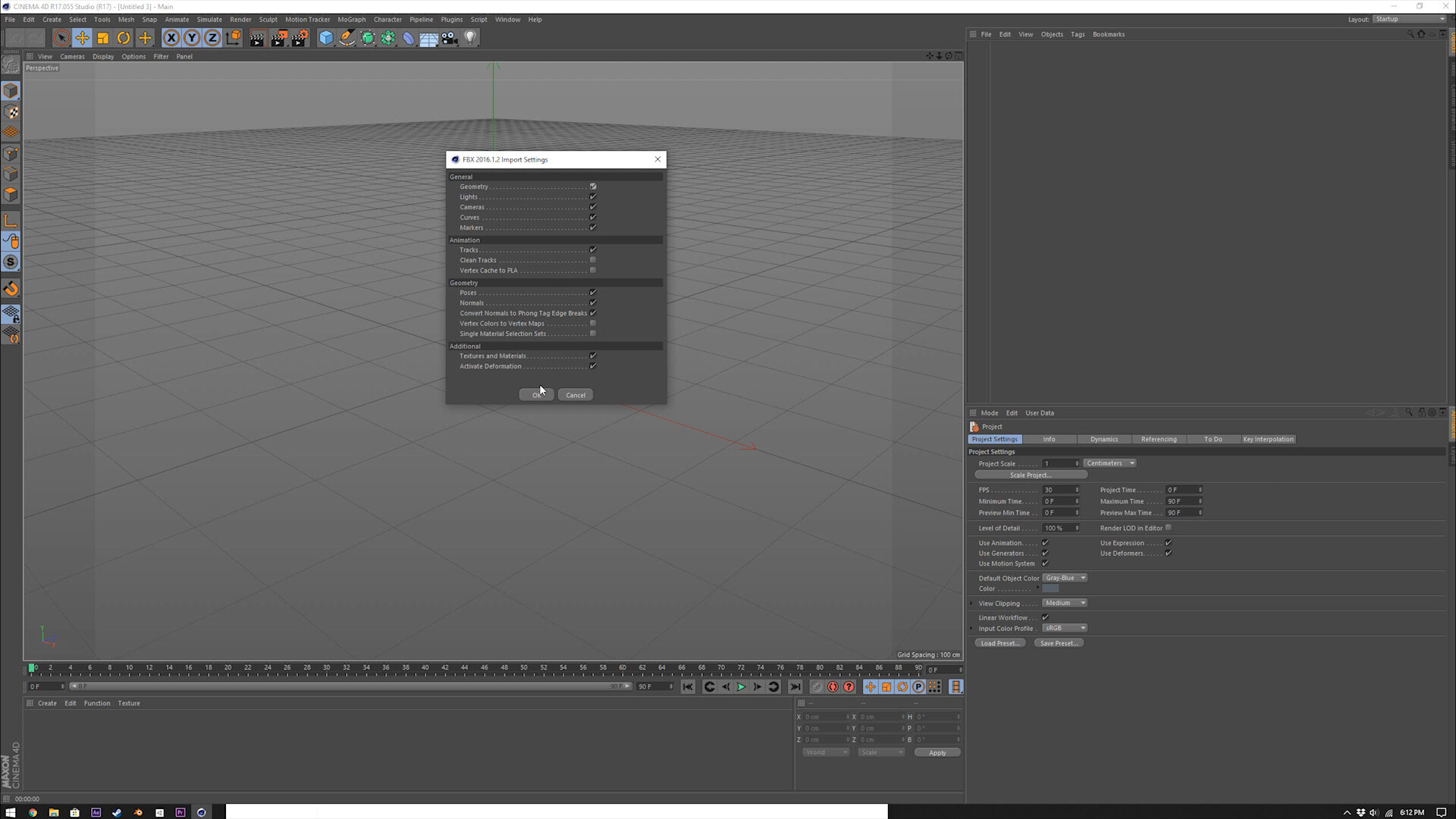
The default settings are fine for this.
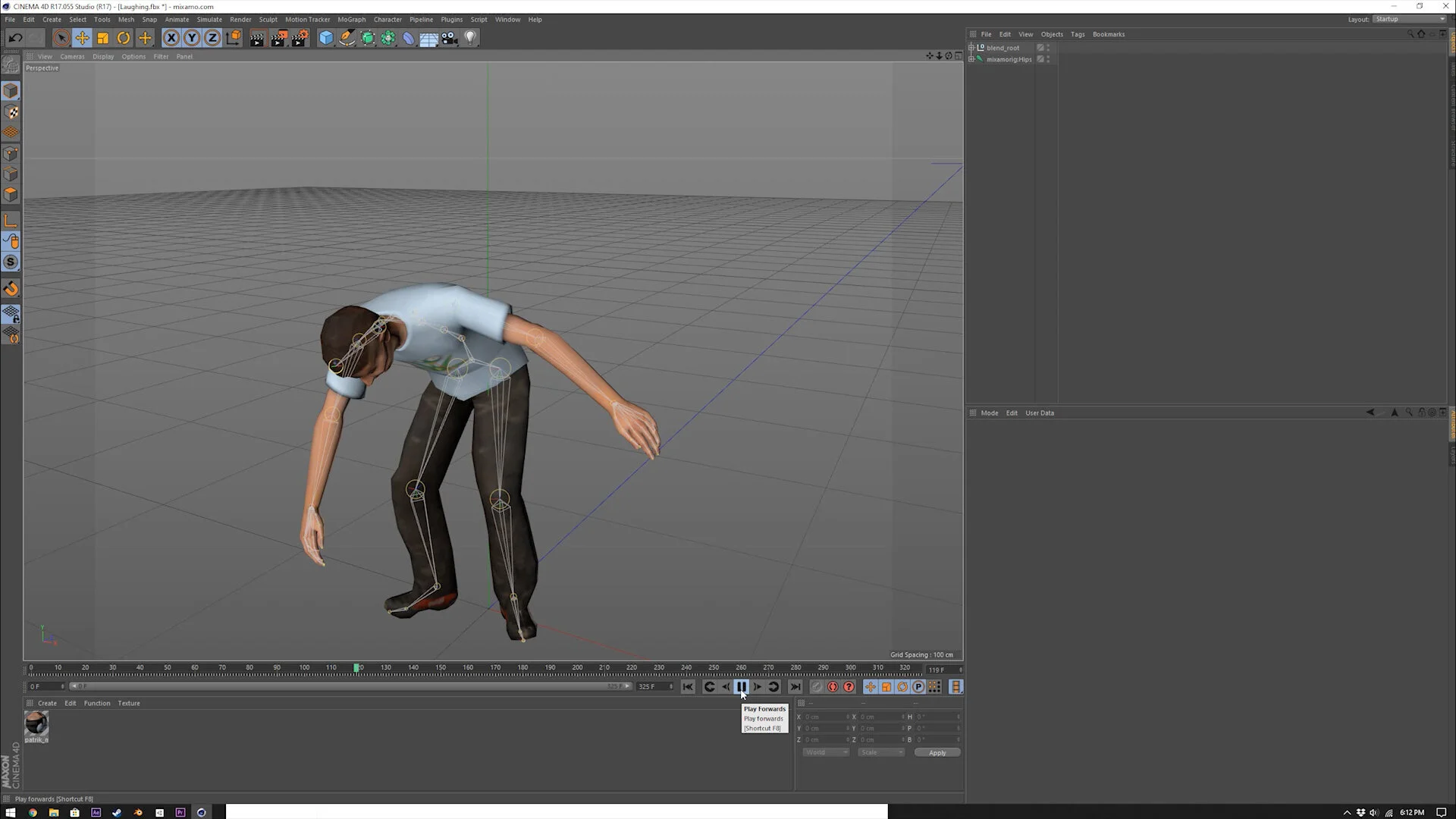
That’s it, that’s all! It isn’t super easy to link together different animations, so I made sure my project had a lot of unnecessary camera changes in it!